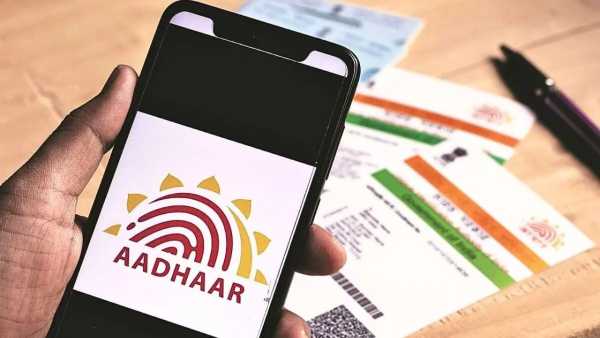
If the email ID in your Aadhar card is not updated or you want to change your old email, then now there is good news for you. UIDAI has started a new facility giving great relief to Aadhaar holders, under which now no fee will be charged for updating email ID. This facility will be available free of cost till 31 December 2026.
Earlier, to update email ID in Aadhaar, one had to pay approximately Rs 75 + GST. But now users will be able to complete this work from their mobile phones without any expense. For this they will not even need to go to the Aadhar Seva Centre.
UIDAI's new Aadhaar Mobile App It has been prepared to provide many facilities to the users sitting at home. Through this app, people can now update many information related to their Aadhaar, which also includes email ID. This will save people's time and reduce crowding at Aadhaar centres.
In today's digital age email ID has become a very important identity. The use of email is continuously increasing in banking services, insurance, government schemes and online verification. If Aadhaar has the correct email link, then the user gets all the necessary updates and notifications on time. Sometimes important information may be missed due to incorrect or outdated email.
UIDAI has clarified that this free service will be applicable till 31 December 2026. During this period, any Aadhaar holder can easily update the email ID through his mobile app and there will be no charge for it. Therefore, for those whose email is not updated, this is a good opportunity.
First of all download the official Aadhaar App of UIDAI in your smartphone. After opening the app, login with Aadhaar number and complete face authentication or available verification process. After login, go to Update Email or Update Aadhaar Details option. Enter your new email ID here and check all the information carefully.
After this submit the request. After completion of the process, you will get a Service Request Number (SRN), with the help of which you can track the status of your update. With this new feature, the Aadhaar update process has become easier, faster and digital than before.