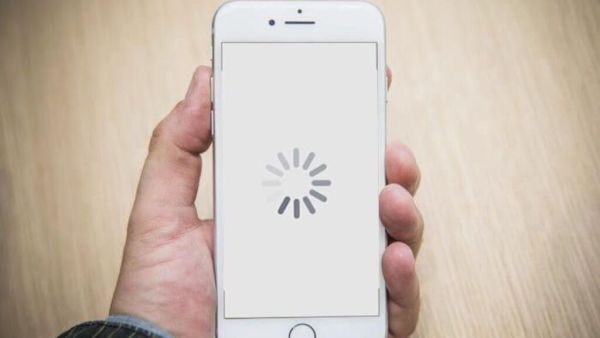
InternetFrom making calls to ordering food online, smartphones have become part of our daily routine. But, due to heavy usage and heavy downloading, phones often become slow and laggy and sometimes hang. If you are also facing similar problems then today’s news is for you. If you want to increase the speed of your smartphone, you can do it by using some cool tips. Let’s know in detail what these tips are.
Is it right to charge the phone with the laptop charger? The answer must be known, otherwise the time of repentance will come
Phone cache data
Everything you do in your phone is stored and saved as cache in RAM. For example, if you open a website, your phone will save some data so that the url loads faster next time. Sometimes the phone takes up a lot of space which is not visible in the gallery. In this case you only need to clear the cache or junk files. To clear the cache on your phone: Go to Settings > Storage Cache Clear Cache Options > Confirm. This method will clear some RAM and speed up the phone
Update the software
Be it Android or IOS, companies regularly release updates to make the operating system work better and fix any issues. If you haven’t updated your phone with the newly released software, this can also be a reason why your phone is running slow. Connect the phone to WiFi, go to Settings > About phone or search for System Update and start the installation process.
Use the lite version of the app
If you’re using an older or lower-cost phone, large app sizes can also affect storage and performance. All you need to do is install the lite version of these apps. These apps will take less memory and
Full Network still not getting OTP? Make a small change in the message box of the phone, the problem will be solved quickly
Remove bloatware and apps
If you are unable to uninstall the app to speed up the phone, disable it, to do so, open Settings Apps & Programs > the app you want to disable, click on the Disable option and confirm.
Disclaimer: This is an automated news feed of Navrastra newspaper. It is not edited by navarashtra.com staff.