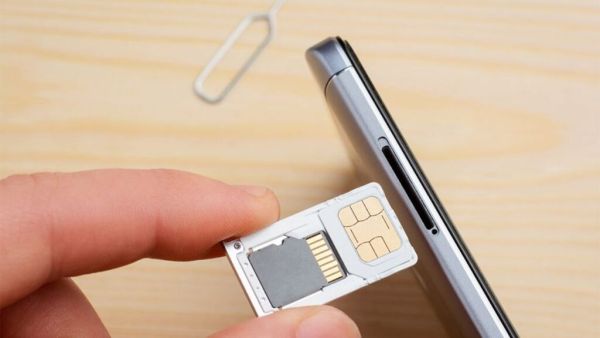
In the present time, it is seen that there is a large increase in the incidents of SIM card fraud. Therefore Mobile Users’ security is at risk. Mobile users are constantly worried about how to protect themselves from such fraud. Hackers easily lure mobile users into their net and cheat them. In such situation if users want to protect themselves then they can use SIM locking method. If your SIM is not locked, both your security and privacy are at risk. So you can lock your SIM using PIN. For this you have to follow some simple steps.
Tech Tips: Data Safe, Fast Internet! Hear so many VPN benefits that you’ll want to start using today
If your SIM card is not locked using a PIN, cybercriminals may be able to hack your SIM and both your security and privacy may be at risk. If hackers hack your SIM then the OTPs and messages sent to your number can easily reach the hackers. This can lead to misuse of your digital identity. This can put UPI, bank account, email, social media all at risk. Not only that, if your SIM is locked, your number can be ported very easily. A duplicate SIM can also be created. (Photo Courtesy – Pinterest)
If you put a PIN lock on your SIM, no one can access the SIM without using the correct PIN. This will also keep your number safe and the associated account will also be protected. Know the default SIM PIN from your mobile operator before locking the SIM. Usually this pin is 0000 or 1234. But this pin is different on every network. If you change your PIN without proper information and then you forget this PIN, you will have to go to the service center with the identity card.
iQOO Z11 Turbo Leaks: 200MP Camera and 7,600mAh Battery… Powerful Smartphone Features Leaked Before Launch
Android users can keep their SIM safe by following some simple steps. First of all go to phone settings. Here you will see Password and Security or Privacy and Security option. As soon as you open this option, you will see SIM lock or lock SIM card option. Here you can turn on SIM lock. Now you will get an option to enter PIN. Now you need to create a 4 digit PIN. Choose a pin that you will easily remember. After turning on the SIM lock, restart the phone. Your phone will ask for your SIM PIN before connecting to the network. This process will repeat every time you restart your phone or insert a SIM card into another phone.