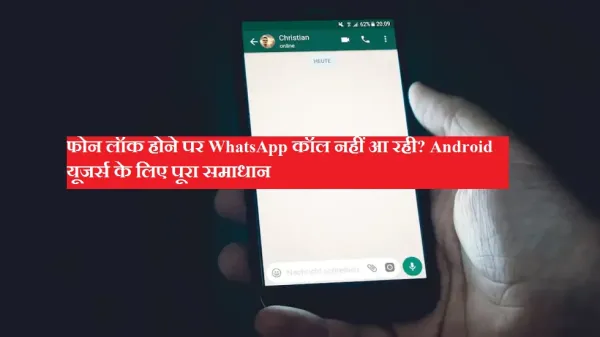
Many times it happens that after unlocking the phone, many missed calls of WhatsApp are visible, but the phone does not ring at the time of the call. This problem is quite common among Android users and its main reason is problems to background settings or notifications.
You can easily fix this problem by following the methods mentioned below.
If DND is on then WhatsApp call becomes silent. Turn it off by going to Settings.
To refresh the app, Force Stop and reopen it.
Turn off WhatsApp’s notification settings and turn it on again.
Too many cache files can slow down or break the app.
The new update fixes bugs.
WhatsApp requires internet access in the background.
Battery Saver can block call notifications.
This is necessary for push notifications.
This is a last resort if all else fails.
The new OS update fixes several issues.
The problem of WhatsApp calls not coming through is common, but it can be easily fixed with the right settings. If you follow all the steps mentioned above, in most cases WhatsApp calls will work fine even when the phone is locked.