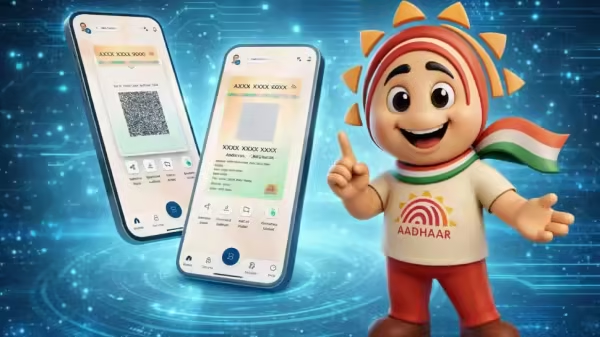
New Aadhaar App Features: The Unique Identification Authority of India (UIDAI) has launched a new Aadhaar app that will later be merged with the existing mAadhaar app. The goal is to give users more control over their Aadhaar details and make verification and updates simpler. The app lets users share Aadhaar information digitally and only what is needed, instead of giving photocopies of the Aadhaar card. UIDAI says this will reduce the risk of misuse and make offline verification safer.
Designed with the idea of “minimum data, maximum privacy,” the new Aadhaar app keeps users in control of their personal information. It comes with strong security features and can work even without an active internet connection. Another key feature is the “One Family – One App” option, which allows users to manage up to five Aadhaar profiles on a single smartphone.
Add Zee News as a Preferred Source
The app lets you verify your identity using a QR code in many real-life situations. You can also use face verification or prove your age, for example, when booking movie tickets. It can be used for hospital visitors, attendants, and even to verify gig workers or service partners.
The main goal of the app is to stop people from using paper copies of Aadhaar, which are often asked for by hotels, government offices, and other places to check someone’s identity.
The new Aadhaar app is built to offer security, privacy, and convenience. It allows users to authenticate their identity using Face ID and share contact details quickly through a QR-based contact card. Users can lock or unlock their biometric data with just one click and share only the information they choose, thanks to consent-based selective sharing. The app also lets you add up to five Aadhaar profiles on a single device and makes it easy to update your mobile number and address. (Also Read: Redmi Note 15 Pro+ vs Realme 16 Pro+: Display, battery, camera, processor and AI features compared in Rs 50,000 price segment; which should you buy?)
Step 1: Open the Google Play Store or Apple App Store on your phone.
Step 2: Search for the official UIDAI new Aadhaar app.
Step 3: Make sure the app is developed by UIDAI before downloading.
Step 4: Tap Install to download the latest version of the app.
Step 5: Open the app and complete your Aadhaar authentication using OTP or Face ID.
Step 1: Open the new Aadhaar app on your phone.
Step 2: Tap on the “Offline Verification” or “QR Scan” option.
Step 3: Point your phone’s camera at the QR code given by the requesting person or organization.
Step 4: The app will read the QR code and access your encrypted Aadhaar credentials.
Step 5: Your Aadhaar details will be instantly verified.
Step 1: Log in to the new Aadhaar app.
Step 2: Go to the Update Aadhaar Details section on the home screen and select Mobile Number Update.
Step 3: Enter your new mobile number and submit the request.
Step 4: Complete the required authentication in the app.
Step 5: Pay the applicable update fee to finish the process.