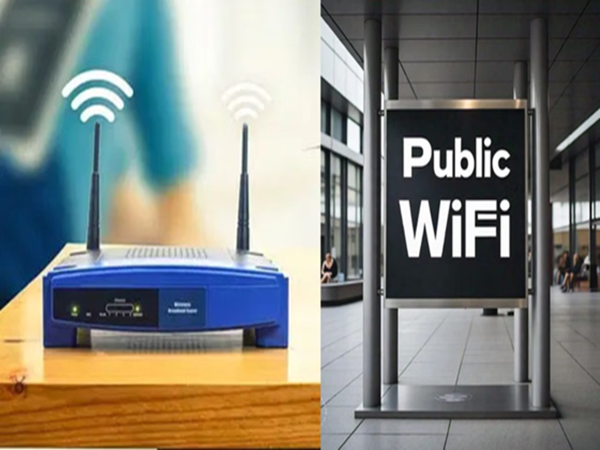
Hackers often create fake Wi-Fi networks that resemble legitimate ones, a technique known as an "Evil Twin" attack. As soon as people connect to these networks, thinking they are connecting to free airport Wi-Fi, a digital intermediary is established between their phone and the internet. After this, anything typed on the phone, whether it's a password or banking PIN, is directly recorded on the hacker's server. Cybersecurity experts believe that public Wi-Fi networks are the easiest targets for hacking.
What can be leaked?
This threat is not limited to data alone. Hackers are very cunning; they can inject malware (malicious software) into your device. After this, your phone's camera and microphone can be turned on without your permission. This allows them to track your real-time location. Moreover, it's so dangerous that private photos and videos from your gallery can be sold on the dark web.
The biggest threat to banking and UPI
Tech experts believe that when you use public Wi-Fi for UPI transactions or mobile banking, data encryption becomes weaker. In such a situation, your transactions can be hijacked midway. You might think the payment has gone through, but the money could end up in the hacker's pocket.
What to do if you have to use Free Wi-Fi out of necessity?
Sometimes, situations arise where we are forced to use public Wi-Fi. In such cases, you can use some of these methods to protect your data:
VPN: Always use a reliable VPN (Virtual Private Network) before using public Wi-Fi, as it encrypts your data. This prevents hackers from reading it.
Auto-connect: Go to your phone's settings and immediately turn off the "auto-connect to Wi-Fi" feature. Also, avoid banking, shopping, or logging into email on public networks as much as possible.
HTTP vs HTTPS: Only use websites whose URLs begin with https:// and have a padlock icon. If this is not the case, the link is likely fake.
2FA (Two-Factor Authentication): Enable two-step verification on all your social media and bank accounts so that even if a hacker gets your password, they cannot log in.
Disclaimer: This content has been sourced and edited from Amar Ujala. While we have made modifications for clarity and presentation, the original content belongs to its respective authors and website. We do not claim ownership of the content.