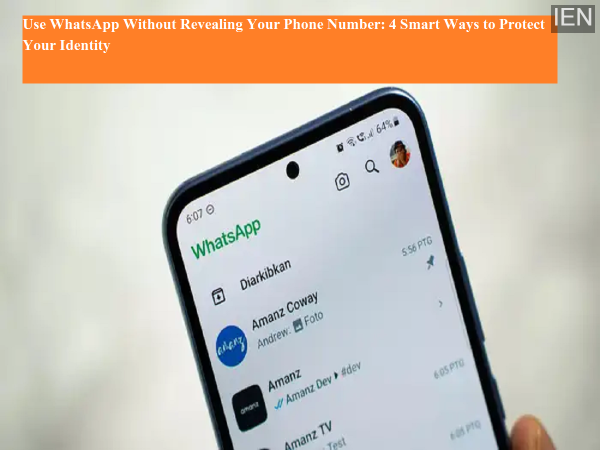
WhatsApp is reportedly working on a new feature that may soon allow users to hide their phone numbers on the platform. While this official option is still under development, there are already several effective methods to use WhatsApp without exposing your primary mobile number.
Protecting your phone number on WhatsApp can help reduce spam calls, unwanted messages, and contact from strangers, while also improving your privacy and personal security. Since WhatsApp accounts are currently tied to phone numbers, users who want to keep their main number private must rely on alternative registration methods and smart usage practices.
Here are four reliable ways to use WhatsApp while keeping your primary phone number hidden.
One of the easiest ways for strangers to get your phone number is through WhatsApp group chats. When you join large or public groups using your main number, your contact details become visible to other group members.
To protect your privacy:
Avoid joining unknown or large groups with your primary number
Use a secondary number or alternate account for public communities
Prefer business or alternate communication apps for professional or public interactions
This simple step can significantly limit unknown users’ access to your real phone number.
Most people create WhatsApp accounts using their primary personal phone number, but this is not mandatory. Since WhatsApp is mainly a messaging platform, you can register using a secondary SIM card or alternate number.
By using a different number:
Your main mobile number remains private
Contacts on WhatsApp won’t be able to access your real number
You can separate personal and public communication
This is currently one of the easiest and most effective ways to protect your identity on WhatsApp.
Many users don’t know that WhatsApp supports landline number registration. This method allows you to use WhatsApp without linking it to your mobile number.
How to register with a landline number:
Enter your landline number during WhatsApp sign-up
Select the option to receive the verification code via call
Answer the call and enter the provided security code
Complete registration and start using WhatsApp normally
With this method, people contacting you on WhatsApp won’t see your primary mobile number, making it a great privacy-focused alternative.
If you use WhatsApp for professional communication, switching to WhatsApp Business is a smart move. This app allows you to use a separate number for business chats, keeping your personal number private.
Benefits of WhatsApp Business:
Maintain a dedicated business contact number
Keep your personal WhatsApp account separate
Present a more professional communication profile
Protect your private number from clients or unknown users
This is especially useful for freelancers, business owners, and customer-facing professionals.
Keeping your primary number private helps you:
Reduce spam messages and scam attempts
Avoid unwanted calls from unknown contacts
Maintain better online privacy and security
Separate personal, professional, and public communication
Until WhatsApp officially launches a built-in number-hiding feature, these methods provide a practical workaround to protect your identity.
WhatsApp may soon introduce a feature that lets users hide their phone numbers, but until then, users can still maintain their privacy by using alternate numbers, avoiding public groups, registering with landlines, or switching to WhatsApp Business.
By applying these smart techniques, you can continue using WhatsApp while keeping your real phone number secure and hidden — reducing spam, enhancing privacy, and staying in control of your digital identity.