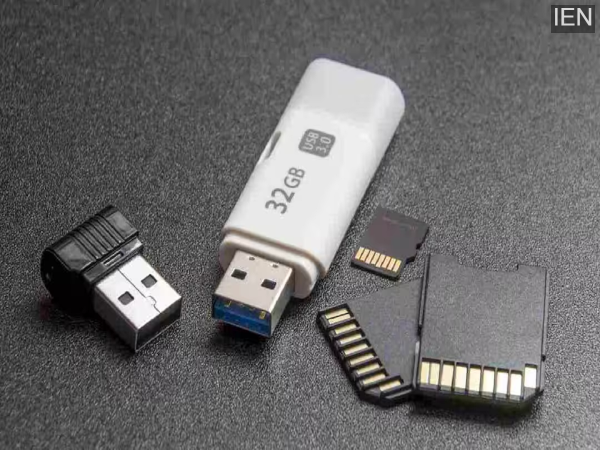
Tech Tips: In today's digital age, pen drives have become a small but extremely useful device for us. Whether it's important office documents, college projects, or old photos, we often keep them in pen drives, thinking they're safe. But a small mistake can wipe away all your data in an instant.
Removing without Safely Removing
The most common mistake people make is simply pulling the pen drive out of the system. Sometimes, even after a file has been copied, data transfer or processing continues in the background. In such a situation, abruptly removing the device can corrupt files or damage the entire drive. It's essential to use the Safely Remove Hardware or Eject option to ensure the system can properly terminate data transfer.
Repeated use on different systems
Connecting pen drives to multiple computers or laptops can also be risky, especially if those systems don't have updated antivirus software. Viruses or malware can silently damage your files. Sometimes files appear but cannot be opened, which could be a sign of a virus attack.
Overload and improper storage problems
People often fill pen drives to their full capacity. Keeping them constantly full can impact device performance and increase the risk of data corruption. Furthermore, keeping pen drives in hot, dusty, or humid conditions is also harmful. This is an electronic device that requires careful handling.
Not keeping backups can be costly
The biggest mistake is that people don't keep backups of important data. If a pen drive suddenly fails, data recovery can be difficult and expensive. Therefore, it's wise to keep important documents saved on cloud storage or a hard drive.
How to avoid loss?
Always eject your pen drive. Use it only on trusted systems and run regular antivirus scans. Also, be sure to back up important data. A little caution can protect your years of hard work.