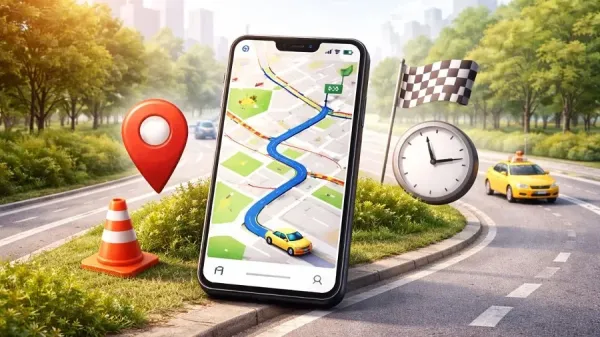
Friends, there was a time when we used to go to an unknown place, there was a lot of trouble in finding the way, but if we talk about today’s modern era, it has become easy to find our destination, Google Maps has become an essential companion for everyone’s navigation these days. Instead of asking passers-by for directions, more people now rely on apps to get to their destination quickly and accurately. If you want to reach your destination quickly then follow these tips-
1. Check the traffic before leaving home
Before setting out, it’s always a smart idea to check the traffic conditions on your route.
Open Google Maps.
Turn on the traffic layer.
Red lines show heavy traffic or congestion.
Green lines mean the road is clear.
This simple step can save your time and help you avoid unnecessary delays.
2. Use incognito mode for privacy
If you don’t want your searches or routes saved in your account history, incognito mode can be very helpful.
Tap your profile picture in the app.
Select Turn on incognito mode.
When turned on, your activity won’t be stored, giving you more privacy while you navigate.
3. Long press to enter PIN
Want to mark a specific place?
Simply long press on any place on the map.
A pin will appear at that place.
Then you can easily save or share it.
This feature is especially useful when the address of a place is not clear or when you want to quickly remember a particular place.
4. Download Offline Maps
Are you visiting an area with poor or no internet connectivity? No problem.
Open Google Maps.
Tap your profile picture.
Select Offline Maps.
Select the region you need and download.
Once downloaded, you can navigate without an internet connection — a lifesaver in remote areas or when traveling abroad.