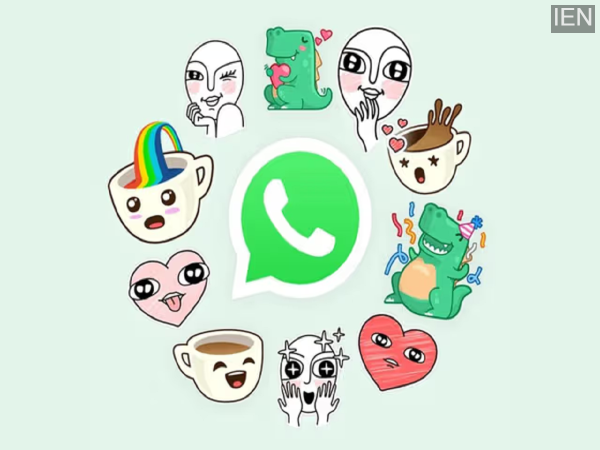
Creating custom stickers from your own photos on WhatsApp without a third-party app is incredibly easy. In this step-by-step guide, let's learn how to select, edit, and instantly share stickers on Android and iOS.
The sticker creation and sharing feature on WhatsApp is amazing. It helps you react quickly, make funny replies, or express things that aren't easily expressed by typing. Fortunately, WhatsApp now allows you to create your own stickers and sticker packs within the app. The best part is that you can even turn your own photos into stickers.
You don't need to install any third-party apps for this. Everything happens within WhatsApp. The steps are almost identical on Android and iOS, with slight differences in the interface. Let's take a step-by-step look at the steps.
How to create custom stickers from photos on WhatsApp?
If you want to turn one of your photos into a fun sticker, it's incredibly easy on WhatsApp. This allows you to reuse your personal photos, funny reactions, or inside jokes in your chats.
How to create stickers on Android and iOS: