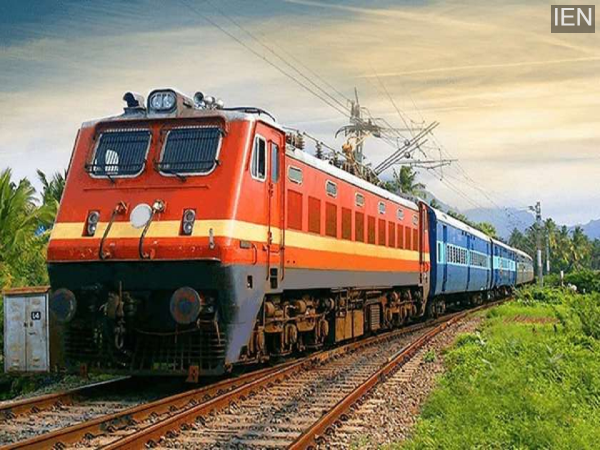
Rail One App Booking: From March 1st, the train ticket booking system is going to undergo a major change. If you've been using the old app to book general or platform tickets from your mobile phone, you'll now have to adopt a new method. Indian Railways is making the ticketing process smarter. Millions of passengers use the digital platform to book general tickets daily.
This will be a major change for them. The Railways will eliminate the hassle of using different apps and provide all the facilities on a single platform. Therefore, it's important to understand the new app thoroughly to avoid any problems during your journey. Learn how the new Railways app will work.
Ticket booking will now be done through RailOne.
The old UTS app will be discontinued from March 1st, and RailOne will be preferred in its place. This app will not only be for general and platform ticket booking. Instead, it has been developed as an all-in-one railway platform. Services like general tickets, reservations, and train status will be available in one place.
This means there will be less need to visit IRCTC or other platforms separately. All ticket-related tasks will be handled through a single app. This will save users time and make the booking process much easier than before.
Discount on Digital Payments
Passengers using the RailOne app will receive a discount of up to 3 percent when making digital payments when booking general tickets. This offer will be valid until July 14, 2026, providing direct benefits to daily travelers. Multiple payment options will be available for payment, including UPI, debit cards, credit cards, net banking, and R Wallet. If you already have an R Wallet balance, it can also be used in the new app. The Railways wants to promote digital transactions. Therefore, cashless booking is being promoted.
How will the app work?
To use RailOne, you can create a new account or link your existing IRCTC account. After logging in, you'll find the Search Train option on the home screen. Enter the departure and destination stations in the From and To fields. You can also enter the train name or number if you wish.
A list of trains on the route will appear. Select the class and proceed. After entering the passenger details, make the payment using UPI, debit or credit card, or net banking. Once the payment is complete, the ticket will appear in the app and can be downloaded or shared.
How will a general ticket be booked?
To book a general ticket on RailOne, go to the Journey Planner and select the "Unreserved" option. Then, enter the starting and destination stations in the From and To stations. If you wish, you can enable GPS and let the app detect your current location. Then, select the train type (Mail, Express, or Superfast) and the number of passengers.
After confirming all the details, make the payment using UPI, card, or net banking. The ticket will be generated upon payment. You can view the ticket or download its PDF by going to the My Tickets section.