AI major Anthropic on Wednesday gave a voice to Claude Code, enabling users to hold spoken conversations with this AI assistant. The feature, currently in beta, is available in English across all subscription tiers on Android and iOS.
Anthropic said Claude can vocalise its response to queries and switch seamlessly between text and speech within the same conversation.
Thariq Shihipar, an engineer at Anthropic, confirmed the development on X, noting that the voice mode is currently live for roughly 5% of users, with a broader rollout expected in the coming weeks.
The company introduced Claude Code earlier this year as a developer-focussed assistant designed to help write, debug, and explain code.
Anthropic said Claude generates original spoken responses instead of simply reading out text or mimicking speech patterns, a design choice aimed at preventing impersonation.
TechCrunch reported on Wednesday that the feature was developed in collaboration with third-party AI voice provider ElevenLabs.
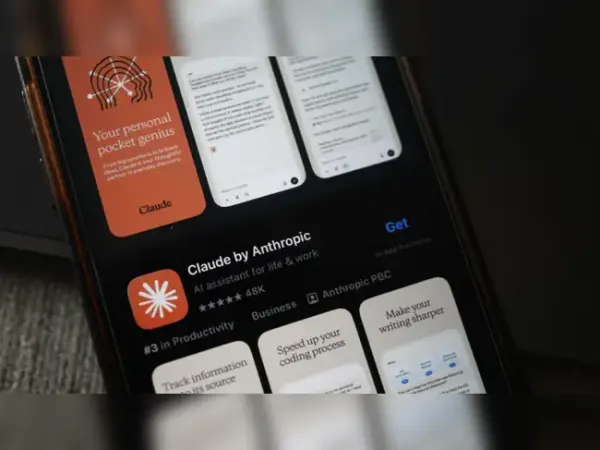
The development comes a few days after Claude surged to the number one spot among free apps on the US Apple App Store. It moved ahead of OpenAI’s ChatGPT On Saturday evening to take the position, where it remains. The tool’s free users have risen by more than 60% since January, while paid subscriptions have more than doubled since the start of the year.
Claude voice mode for mobile, web
To access the voice mode users need to follow the following steps:
For mobile users, the voice mode icon in the text input field has to be enabled. Voice mode works in two ways: hands free and push-to-talk.
While the hands-free mode allows Claude to continuously listen to speech, including natural pauses, the latter gives users control over when Claude listens, which is particularly useful in noisy environments.
Anthropic said Claude can vocalise its response to queries and switch seamlessly between text and speech within the same conversation.
Thariq Shihipar, an engineer at Anthropic, confirmed the development on X, noting that the voice mode is currently live for roughly 5% of users, with a broader rollout expected in the coming weeks.
The company introduced Claude Code earlier this year as a developer-focussed assistant designed to help write, debug, and explain code.
Anthropic said Claude generates original spoken responses instead of simply reading out text or mimicking speech patterns, a design choice aimed at preventing impersonation.
TechCrunch reported on Wednesday that the feature was developed in collaboration with third-party AI voice provider ElevenLabs.
The development comes a few days after Claude surged to the number one spot among free apps on the US Apple App Store. It moved ahead of OpenAI’s ChatGPT On Saturday evening to take the position, where it remains. The tool’s free users have risen by more than 60% since January, while paid subscriptions have more than doubled since the start of the year.
Claude voice mode for mobile, web
To access the voice mode users need to follow the following steps:
- Log into your Claude account and enter a new chat.
- Tap the sound wave symbol on the lower right corner of the chat window to activate the voice mode.
- Claude will continue to speak out its responses until the user presses the stop button in the lower right corner of the chat window.
For mobile users, the voice mode icon in the text input field has to be enabled. Voice mode works in two ways: hands free and push-to-talk.
While the hands-free mode allows Claude to continuously listen to speech, including natural pauses, the latter gives users control over when Claude listens, which is particularly useful in noisy environments.