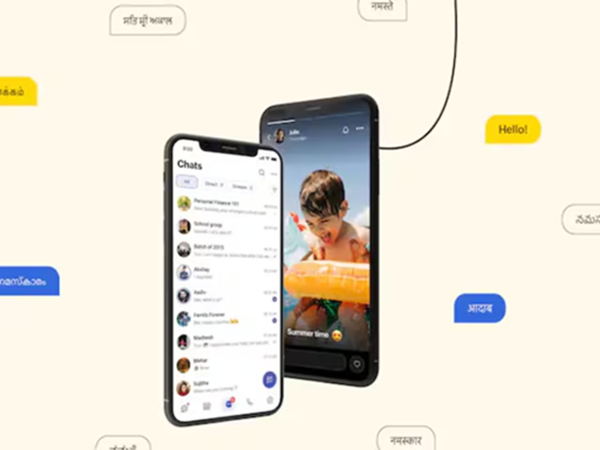
A major update has arrived for Arattai users. After a long wait, the Chat Backup feature has been added to the app, allowing users to now save their chats and media to the cloud. This feature is available on both Android and iOS platforms and is considered a contender capable of competing with popular apps like WhatsApp.
How does the Chat Backup feature work? Arattai's new feature provides users with the ability to securely preserve their chat history. Android users can save their chats to Google Drive, while iPhone users can utilize iCloud.
Most notably, the backup can also be encrypted, ensuring that your personal chats remain completely secure. Furthermore, you can choose whether to include only text in the backup or to also include photos, videos, and documents.
How to enable Chat Backup?
To use the backup feature in Arattai, first update the app, then follow these steps:
Open the Arattai app
Go to Settings, then select Chats
Tap on "Chat Backup"
Select your Google Drive or iCloud account
Click on "Enable Backup" or "Back Up Now"
Set the frequency for automatic backups (Daily, Weekly, Monthly)
If you wish, you can also enable encrypted backups and generate a recovery key.
How to restore chats?
If you are using a new phone or are reinstalling the app, you can easily restore your chats:
Install and open Arattai
Log in to your account
Select the "Restore Backup" option
Select the backup from Google Drive or iCloud
Wait for the process to complete
Important points to keep in mind:
Ensure a stable internet connection during the backup process (Wi-Fi is recommended)
Ensure there is sufficient storage space available on both your phone and cloud storage
Verify that you are logged into the correct Google or Apple account
Including media will increase the size of the backup file
Enable encryption and keep your recovery key secure
Keep both the app and your device updated.
Arattai's new Chat Backup feature is set to prove highly useful for its users. This will not only keep your chat data secure but also make data transfer easier when you switch devices.
If you use Arattai, be sure to enable this feature so that your important chats remain secure at all times.
Disclaimer: This content has been sourced and edited from News18 Hindi. While we have made modifications for clarity and presentation, the original content belongs to its respective authors and website. We do not claim ownership of the content.