In today’s digital age, smartphones have become smarter—but also more data-driven. Many users worry that their Android phones are constantly sharing personal data with platforms like Google.
While data sharing helps improve user experience, not everyone is comfortable with continuous tracking. The good news? You can take control of your privacy by adjusting a few simple settings.
Here are 6 important Android settings you should change right now to limit tracking and protect your personal data.
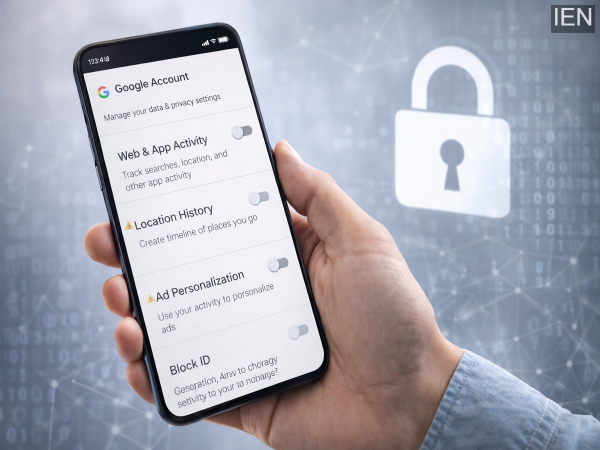
This is one of the biggest sources of data tracking.
Disable Web & App Activity to stop your actions from being recorded and stored.
Your phone may be storing a timeline of everywhere you go.
Turn off Location History to prevent your travel data from being saved.
Your viewing habits are also tracked.
Set YouTube History to auto-delete or turn it off completely for better privacy.
Ever noticed ads that feel “too relevant”? That’s because of data tracking.
Disable Ad Personalisation to reduce targeted ads and data collection.
These settings constantly scan your surroundings.
Disable Location Accuracy and Nearby Device Scanning to limit tracking via network signals.
Many apps send and receive data even when you’re not using them.
Go to app settings and restrict background data usage for apps you don’t need running.
By adjusting these settings:
It’s a simple yet powerful way to take control of your smartphone.
Your Android phone doesn’t have to track everything you do. With a few quick changes, you can significantly improve your privacy and reduce data exposure.
Take a few minutes today to review these settings—it’s a small step that can make a big difference in protecting your personal information. 🔒📱