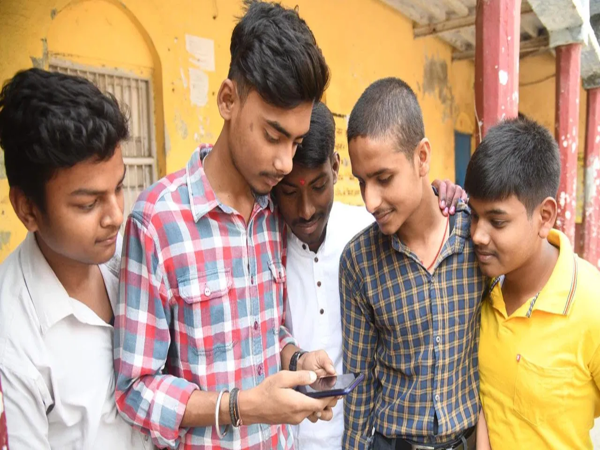
The wait for lakhs of Class 10 and 12 students under the Uttar Pradesh Madhyamik Shiksha Parishad (UPMSP) may soon come to an end. According to media reports, the UP Board is likely to release the results in the third or fourth week of April. Although the Board has not yet officially announced a specific date, preparations are reported to be nearly complete. As soon as the results are released, students will be able to easily check their scores online.
Once again, students will be able to check their results via the official website or the DigiLocker app by entering their roll number and date of birth. Therefore, all students are advised to keep a close watch on updates regarding the results.
The Uttar Pradesh Madhyamik Shiksha Parishad is expected to announce the Class 10 and 12 results shortly. According to reports, the results are likely to be released on any day between April 20 and April 25, 2026. While the Board has not yet officially confirmed this timeline, preparations for the results are currently in their final stages.
**Announcement by the Education Minister**
The State Education Minister, Gulab Devi, will make the official announcement regarding the results at the time of their release. The Chairman and Secretary of the Board will also be present on this occasion. As soon as the results are declared, an active link will be made available for students on the official website.
**How to Check Results Online**
Students can visit the official website to view their results. First, open the website and click on the link for either the Class 10 or Class 12 results. Next, enter your roll number and date of birth. Upon submission, your result will appear on the screen; it can also be downloaded for future reference.
**Minimum Marks Required to Pass**
To pass the UP Board examinations, students are required to secure a minimum of 33 percent marks. Students who score less than this threshold will be required to appear for a compartment examination.
**Results Also Available via DigiLocker**
Students can also check their results on their mobile phones using the DigiLocker app. To do so, they will need to log in to the website or the app. This method is considered to be both easy and fast, allowing students to access their results without any hassle.
Disclaimer: This content has been sourced and edited from TV9. While we have made modifications for clarity and presentation, the original content belongs to its respective authors and website. We do not claim ownership of the content.