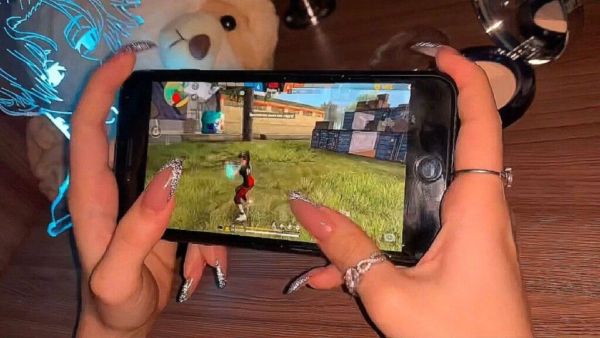
Free Fire MaxDiamond is the in-game currency. By spending diamonds, players can purchase various gaming items, which make the gaming experience more intense. Players can purchase skins, bundles, emotes and many other premium items by spending diamonds. But players have to top up to get diamonds. But if you top up from a fake website or a social media link, your account is most likely to get hacked. So it is very important to use the official website while topping up Free Fire Max. Now let’s know how to top up in Free Fire Max safely.
8,000mAh battery and 6.8-inch display… The new Realme smartphone is ready to hit the market, users are excited
Always use official and trusted platform while topping up. Google Play Store, Apple App Store and official top up partners of games are considered the safest. Also trusting unknown websites or links on social media is very dangerous. (Photo Courtesy – Pinterest)
Scammers usually lure players with half price diamonds or unlimited diamonds. Players ignore these offers which can put their account in jeopardy. If you top up believing such offers, you risk getting your account banned. So keep in mind that if an offer seems more attractive than it needs to be, it could be a scam.
Always remember not to share your login details with anyone. Scammers demand account login details from you under the guise of top up. Sharing account password or OTP with anyone can be dangerous. This can lead to account hacking.
Always use a secure payment method when transacting. Like, UPI, Debit Card, Credit Card or Trusted Wallets. Do not click on unknown links.
Don’t forget to check the website URL before topping the game. Many fake websites look like genuine and official websites, but their URLs are messed up. So always check the website, check the URL and then select the payment option. Save the payment receipt or screenshot after topping up if possible. You can use this as evidence if any problems arise in the future.
Google Down: Search engine went down suddenly, ‘Server Error’ message appeared on the screen