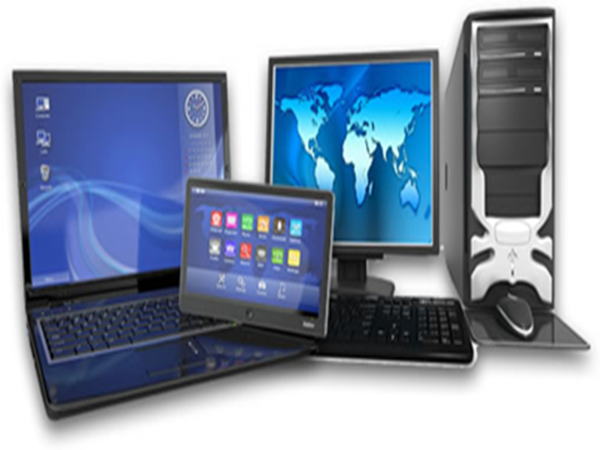
When buying a new computer, the biggest question is: should you get a desktop or a laptop? This decision is particularly important for students learning to code and professionals who work long hours in an office. Both have their pros and cons. Let’s break down which option is better for you in simple terms.
**Advantages of a Desktop** – A desktop is a sturdy, stationary machine.
**Higher Performance:** For the same budget, a desktop offers a faster processor, a better graphics card, and more RAM compared to a laptop.
**Great for Coding:** Desktops easily handle demanding tasks like large projects, Android Studio, Visual Studio, Unity, multiple virtual machines, or data science work.
**Comfortable for Long-term Use:** There is less strain on your eyes and neck when working on the screen for hours. You can connect a large monitor, keyboard, and mouse.
**Affordable and Easy to Upgrade:** You can get a good desktop for ₹40,000–₹50,000, and components like RAM, SSD, or the graphics card can be easily upgraded later.
**No Worries About Heat or Battery:**
No concerns regarding overheating or battery life.
**Advantages of a Laptop**
**Portability:** You can take it anywhere—college, the office, a café, or home.
**Convenience:** Thanks to the battery, you can work for 4–6 hours without being plugged into a power outlet.
**Good for Office Work:** It easily handles meetings, presentations, MS Office tasks, Zoom calls, and light coding.
**Space-Saving:** Ideal for small homes or rooms.
**Disadvantages:** It is more expensive for the same level of performance. It tends to heat up, and upgrading components is difficult.
**Which one should you choose based on your needs?**
**For Students Learning to Code**
If you are learning software development, web development, machine learning, or game development, a desktop is the better option. Coding often involves running multiple software applications simultaneously, which requires significant computing power. You can pair the desktop with an inexpensive tablet or an older laptop for taking notes.
**For Office Work and Light Coding**
If your work primarily involves MS Office, web browsing, emails, PowerPoint presentations, and occasional coding, then a laptop is the right choice. Especially if you need to travel or work from different locations.
How do you decide?
Budget of ₹40,000–₹60,000: Choose a desktop (you’ll get better value).
Need portability: Go for a laptop.
Want both: Buy a good laptop and add an external monitor later.
Extra tip: Regardless of what you buy, ensure it has at least 16GB of RAM, a 512GB SSD, and a capable processor (i5/Ryzen 5 or higher).
A desktop is undoubtedly the best choice for coding and heavy programming, whereas a laptop is ideal if you need mobility and to handle lighter tasks. Make your decision based on your specific needs, budget, and work habits to avoid any future regret over a wrong choice.
Disclaimer: This content has been sourced and edited from News18 Hindi. While we have made modifications for clarity and presentation, the original content belongs to its respective authors and website. We do not claim ownership of the content.