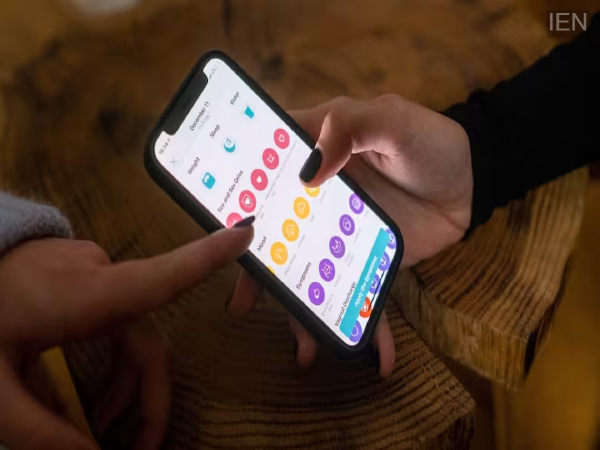
App Tracking: Nowadays, mobile apps do more than just meet your needs; they also record information about your habits, preferences, and even your location.
App Tracking: Smartphones have become an integral part of our lives. We use mobile apps for everything from banking and social media to shopping and entertainment. But have you ever wondered how much information the apps you trust are actually gathering about you? Surprisingly, many apps on your phone are constantly monitoring your activity and collecting your personal data.
Apps know more about you than your friends do.
Today, mobile apps do more than just fulfill your needs; they also record details about your habits, likes and dislikes, and even your location. Many apps collect data related to your phone's location, contacts, microphone, and internet browsing history.
According to experts, a large number of apps share user data with advertising networks and other companies. This is why you often see ads on the internet for products or services you have recently searched for.
How is your digital profile created?
When you install an app, it asks for various permissions. These can include access to your location, camera, microphone, and contacts.
Sometimes, seemingly harmless apps—such as weather apps, flashlight apps, fitness trackers, shopping apps, or mobile games—request excessive access. Based on this information, companies can build a profile that reflects your nature, including your preferences, travel destinations, shopping habits, and online activity.
How to disable tracking on an iPhone
If you use an iPhone, you can enhance your privacy by adjusting a few simple settings:
Open Settings.
Go to Privacy & Security.
Select the Location Services option.
Check the location permissions for each app. Select "Never" or "While Using the App" when access is not required.
Disable "Precise Location" for apps that do not need exact GPS data.
How Android users can protect themselves
Turning off location tracking on Android smartphones is also very easy.
Go to Settings.
Open the Location option.
Tap on App Permissions.
Check the permissions for all apps.
Select "Don't Allow" or "Only While Using the App" for unnecessary apps.
Keep an eye on these permissions too, not just location
Most people focus only on location permissions, whereas access to the camera, microphone, and contacts is equally important. Be alert if a calculator app asks for microphone permission or a game wants access to your contacts. In such cases, it is best to revoke the permission immediately.