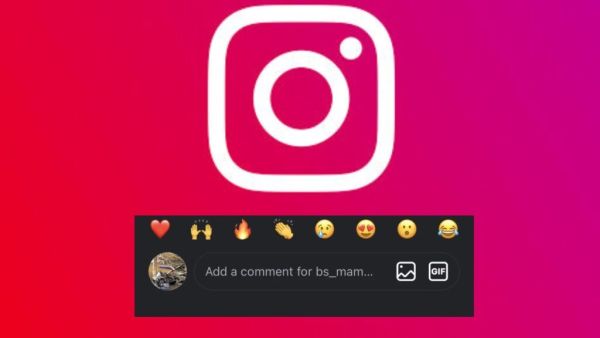
Instagram Photo Comment Feature: Instagram is constantly bringing new features to give a special and new experience to its users and now the company has prepared to make the comment section more interactive than ever. For information, let us tell you that under the new update, users will now be able to share photos, memes and screenshots directly from their phone gallery in the comment box of any post or reel. With the introduction of this feature, comments will not be limited to text only but will be made a new platform for visual conversation.
Instagram’s new Gallery-to-Comment feature lets users select photos from their camera roll and post them in the comments. To a large extent, this process is similar to sending photos in direct message.
There are a few things to keep in mind to upload photos with the help of this feature:
It is also being seen that many users are not able to see this feature yet. This is because of Instagram’s phased update system. The company does not release the feature on all accounts simultaneously. If you don’t see this option in your account, update the Instagram app. Also, it is important to go to the phone’s Settings and give permission to Instagram for photos and storage. Along with this, Android users can also try to resolve this problem by clearing the app cache.
Let us tell you that Instagram has also added many security measures with this feature. In which any user will be able to comment on the photo only when the creator of the post has allowed photo comments in his account. Additionally, the platform’s automated safety filters will automatically block images with objectionable, violent or spam content. In this feature, if the post owner wants, he can remove any photo comment or prevent some users from commenting the media.
The good thing about the new feature is that this new feature is being made available for both Android and iPhone users. But the update may arrive at different times on all devices. In such a situation, if this feature is not visible yet then there is no need to panic, soon this feature will start appearing on your account also.