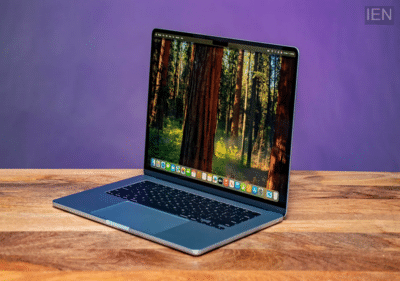
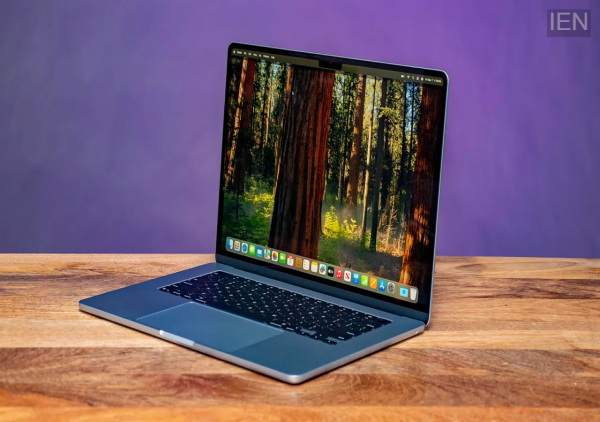
Laptop Care Tips: If you want your laptop to look brand new even after years of use, following a few tips is essential. These can help prevent scratches from appearing on your laptop.
Laptop Care Tips: Buying a laptop is a significant investment, and since it is used daily, proper maintenance is crucial. Frequent handling—such as taking it in and out of bags and using it on various surfaces—increases the risk of scratches. A scratched laptop can look worn out, and scratches on the screen can even impact productivity. Here are some tips to help you prevent scratches and keep your laptop looking brand new for years.
How to protect your laptop from scratches?
Use a laptop case: You can find a variety of protective cases in stores and online marketplaces. These not only guard against scratches but also protect the device from damage caused by daily use and transport. If you prefer a stylish look, opt for a leather case; however, if there is a high risk of damage, a hard-shell cover would be a better choice.
Keep your workspace clean: Maintain a spotless workspace. Dust, dirt, and other particles accumulating on your desk can damage the keyboard and other surfaces. Avoid keeping food and drinks in your workspace; a slip of the hand could cause tea or cold drinks to spill onto the laptop, potentially ruining it.
Accessories can help: A screen protector is useful for preventing scratches on the display—just ensure you choose a high-quality one. Similarly, using a keyboard cover can prevent dust and dirt from getting inside the laptop. You can also find a variety of attractive skins in the market for your laptop. Use a stand to protect the bottom of the laptop from scratches; this not only safeguards the device but also prevents strain on your neck and back while using it.
Pay attention to where you store the laptop—where you place it after use matters significantly. Therefore, when the laptop is not in use, place it on a cushion or a desk pad. Ensure that no heavy or sharp objects are placed on top of it, as such items can damage the laptop.