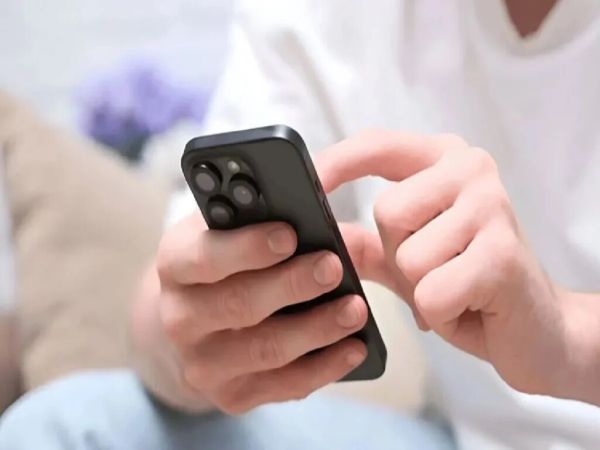
There are many features in smartphones which are often ignored. In today’s advanced smartphones, companies are offering many powerful features to improve the user experience. These features make the experience of using the smartphone even better. Now we are going to tell you about one such feature.
You might know that when you double tap on your smartphone, the phone screen can turn on or off. But do you know about a feature in which you can lock your smartphone just by speaking without even touching the phone? For this you will have to follow some easy processes, especially because this feature is available for both Android and iPhone users.
Follow these steps to activate the feature in Android smartphone
Follow these steps to activate the feature on iPhone
If you are an iPhone user, you can easily set this feature on your phone. For this you just have to follow the steps given below.
How will this feature benefit you?
Imagine that your hands are dirty or you have stuff in your hands and you are very busy with work. In such a situation, if your phone is unlocked and you are afraid that someone can come and check your phone, then this method of locking the screen by just saying lock without touching the phone can be very beneficial. This feature not only ensures the safety of the users but also saves their time.
Remember these important things while using the feature
Be it iPhone or Android, there are some important things you need to keep in mind while using the feature. Like the language of the phone and your voice command should be the same. Moreover, this feature works great in low noise and quiet places. Therefore, this feature should be used as little as possible in noisy places. Also, when setting up this feature, it is important to speak very clearly and loudly to complete the setup process. Along with this, be sure to set PIN password and biometric lock in screen lock for security.