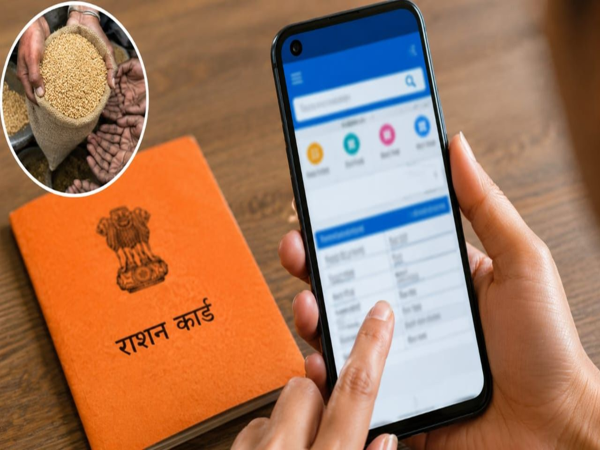
Has your ration card become old or torn, or do you find it inconvenient to carry a photocopy every time? There is no need to worry anymore. Thanks to government digital services, you can download a digital ration card—complete with your photograph—directly from your mobile phone or laptop.
This digital copy is valid for various government procedures, and you can easily print it out whenever needed. While there are several platforms available for downloading the digital ration card, DigiLocker, the UMANG app, and the Food and Civil Supplies Department portal of your respective state government are particularly helpful for this purpose.
Let’s explore how you can download your digital ration card from the comfort of your home using these methods...
How to download the ration card via DigiLocker?
If you have the DigiLocker app on your phone, log in to it first.
Next, type "Ration Card" in the search box and search.
Select the option for your state's Food Department.
Enter the required information, such as your ration card number and district.
Once the details are verified, the document will appear in the 'Issued Documents' section of your DigiLocker account.
You can then download or share it as a PDF.
How to download the ration card via the UMANG app?
Downloading the ration card via the UMANG app is also very easy.
First, log in to the app.
Type "Ration Card" or the name of your state's Food Department in the search box.
Once the relevant service opens, enter your ration card number and other necessary details.
If the details are correct, the digital copy of your ration card will appear on the screen.
You can easily download and save it to your phone.
Disclaimer: This content has been sourced and edited from Dainik Jagran. While we have made modifications for clarity and presentation, the original content belongs to its respective authors and website. We do not claim ownership of the content.