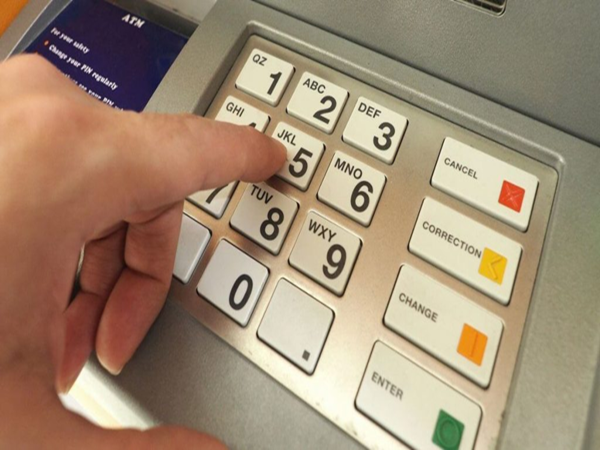
In today's digital age, the ATM card has become an integral part of our lives. It is essential for everything from withdrawing cash to online shopping and paying bills. However, banks often block ATM cards for security reasons due to issues like entering the wrong PIN in a hurry, card expiration, or suspicious activity.
People often panic when their card gets blocked unexpectedly and start making repeated visits to the bank. But there is no need to worry. Here are four simple and effective ways to unblock your ATM card:
1. Visit the Bank Branch and Submit an Application
If your card has been permanently blocked due to a technical issue or prolonged inactivity, visiting your bank branch is the safest option.
* Visit your home branch and ask the bank official for an 'ATM Card Unblocking Form'.
* Fill in the form with your account number, card number, and the reason for the block.
* Attach a photocopy of a valid identity proof (such as your Aadhaar Card or PAN Card).
* The bank will reactivate your card within 24 to 48 hours of form submission.
2. Use Net Banking or the Mobile App
If you use internet banking, there is no need to stand in queues at the bank; you can unblock the card from the comfort of your home.
* Log in to your bank's net banking website or mobile app.
* After logging in, navigate to the 'Cards' or 'E-Services' section in the menu.
* Click on 'ATM/Debit Card Services' and select the 'Unblock Card' option.
* Select the blocked card, enter the reason, and submit the request.
* You will receive an OTP on your registered mobile number; entering it will immediately reactivate your card.
3. Call Customer Care
This method is most convenient for those who do not frequently use smartphones or internet banking. * Call the bank's toll-free customer care number from your registered mobile number (you can find this number in your passbook or on the bank's website).
* During the call, the customer care executive will ask a few questions to verify your identity (such as your account number, mother's name, date of birth, or address).
* Once the details are verified, the executive will generate a request in the system to unblock your card, and it will become active within a few hours.
4. Automatic Unblocking (24-Hour Rule)
The most common reason for a card getting blocked is entering an incorrect ATM PIN three times. This results in a temporary block.
* If your card has been blocked due to entering an incorrect PIN, you do not need to take any further action.
* This security-related block is automatically removed by the system after 24 hours.
* After the 24-hour period has elapsed, you can resume using your card by entering the correct PIN or by generating a new PIN (Green PIN) at an ATM.
Disclaimer: This content has been sourced and edited from Dainik Jagran. While we have made modifications for clarity and presentation, the original content belongs to its respective authors and website. We do not claim ownership of the content.