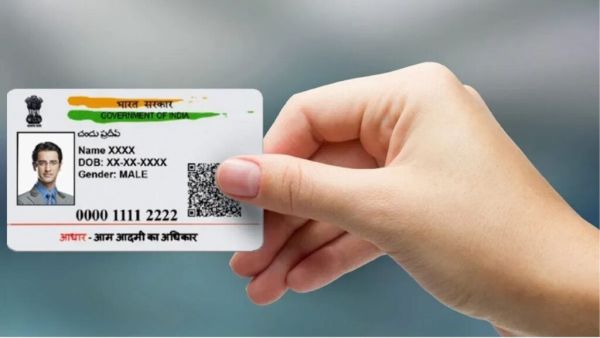
How To Change Aadhaar Card Photo: Aadhaar Card It has become the paper required for almost every important work these days. Be it a bank job, a government scheme or an online service, Aadhaar is used in many places. So it is important that the information on Aadhaar is accurate. In addition, the photo on Aadhaar card of many people is very old. Looking at a photo taken a few years ago, it is difficult to recognize yourself. In such cases, the option to change the Aadhaar photo is available.
But one thing has to be remembered. Aadhaar photo cannot be changed directly from mobile or computer. One has to visit the Aadhaar center directly to update the photo. The good thing is that one can book an appointment from home before going to the center. This reduces the time of standing in the queue.
The most important thing is that you don't need to take new photos with you from home. Your new photo is taken with a camera at the Aadhaar center itself. So there is no need to scan old photo or carry new passport photo.
An update request is recorded after the photo is taken. The whole process is usually not very time consuming. However, the time taken may vary depending on the congestion at the center and other procedures.
As the photo is an update to Aadhaar biometric information, an official fee is charged for it. As per UIDAI's current fee information, the fee for biometric update with photo is Rs 100. Tech News:
One important thing to note here. If someone asks for more money to change the photo, don't pay immediately. First, check the official charges on the UIDAI website.
After taking the photo at the center, it will not appear on the Aadhaar card immediately. The new photo appears in the Aadhaar record after your update request process is complete.
Finding lost items just got easier! Google Launches Pixel Tag, Know Price and Features
The update may take a few days. So if you download the digital Aadhaar immediately after changing the photo and see the old photo, there is no reason to panic. You can check the update status by waiting for a while.
If the Aadhaar photo is out of date and needs to be changed, the complete work is not done online. But appointment can be taken from home. So first fix the date and time and then go to aadhaar center and update the photo.
Comeback of QWERTY keyboard in the era of touchscreen! As soon as you see the look of Minimal Phone 2, users look at the benefits, price and features
It's a small task, but if you don't know the right method, it can waste unnecessary time. So taking an appointment through the official UIDAI service is an easier and safer way than going after an agent. Most importantly check fees, center and update information only through official channels.