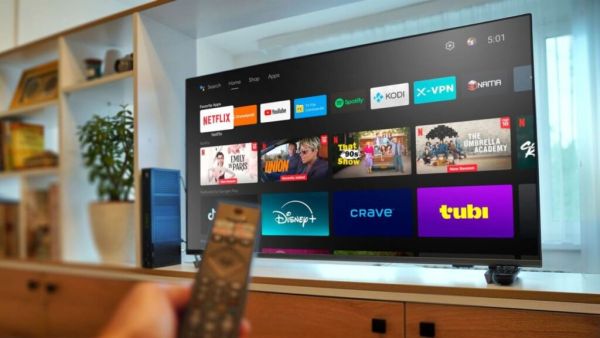
WiFi and internet enabled smart TV is one of the main source of your entertainment. With a bigger screen, better resolution and stronger sound quality, the TV viewing experience becomes more fun. When you new Smart TV At the time of purchase, some settings are already set in the device by default. Some settings improve the user's TV viewing experience, while some settings can make the user's experience worse. It is very important to change such settings on time.
When will BSNL 5G be launched? Need to change SIM again or get software upgrade? Know in detail
If you find that the picture on your smart TV looks too smooth and video-like while watching movies, it could be due to motion smoothing. This feature can add an extra frame to the TV to make motion more fluid. This feature is useful in sports and gaming, but in movies, a soap opera effect can be seen. For this reason, turning it off for movies and web series can improve your experience. Different brands offer this feature under different names. Like TrueMotion in LG and AutoMotion Plus in Samsung. If you can find Filmmaker mode, you can try that as well.
Not only is a good screen enough, but sound is equally essential. You can adjust the bass and treble as per your preference. If you're using a soundbar or home theater, check out ARC or eARC. This allows the TV's audio to be efficiently transmitted to an external sound system.
A new TV's software may be a few months out of date. Check for software update after setup for this. After updating it improves system stability, app performance and security along with fixing bugs. If auto-update is available, it's best to turn it on.
Power saving mode can be useful to save power. This may reduce the brightness of the screen. The picture can look a bit washed out, especially with HDR content. If your focus is on better picture quality, you can turn this option off and try Standard, Filmmaker or the available Calibrated options in Picture mode.
OnePlus smartphones are expensive! The price has increased by almost 4 thousand rupees, consumers will be affected by inflation
If gaming from PlayStation or Xbox, use Game Mode. This helps reduce input lag by reducing unnecessary image processing.