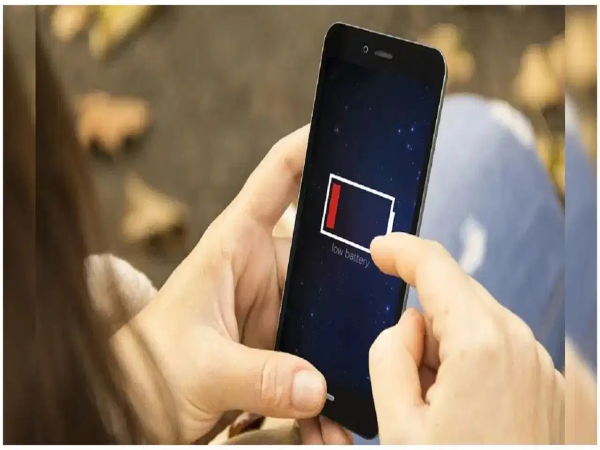
If both your phone's battery and mobile data drain quickly, apps running in the background could be a contributing factor. Many apps refresh automatically at intervals, consuming both battery and data. However, it is not always necessary to close background apps, nor does doing so always guarantee battery savings. By adjusting certain phone settings, you can limit background refreshing and conserve data and battery as needed.
**Saving Battery and Data on iPhone**
To prevent background apps from constantly refreshing on an iPhone, open **Settings** and go to **General**. Tap on **Background App Refresh**, then tap on the option again. You can now either turn off background refresh completely or restrict it to Wi-Fi only. If you choose the Wi-Fi or Wi-Fi & Cellular Data option, you can also specify which apps are allowed to refresh in the background.
**Turning on Data Saver on Android**
To reduce background data usage on an Android phone, open **Settings** and go to **Network & Internet**. Then, tap on **Data Saver** and turn it on. When Data Saver is active, the phone prevents background apps from using mobile data unless connected to Wi-Fi. Consequently, elements like photos in certain apps may not load automatically; you might need to tap on them to view them. This helps reduce mobile data consumption.
**Allowing Background Data Only for Essential Apps**
If you wish to allow specific apps to use data in the background, go to **Settings** and open **Network & Internet**. Next, tap on **Mobile Network** followed by **App Data Usage**. Select the app you want to allow to use background data and enable the **Background Data** option. This way, instead of keeping background data enabled for all apps, you can grant permission only to the ones that need it, helping to limit overall mobile data consumption.