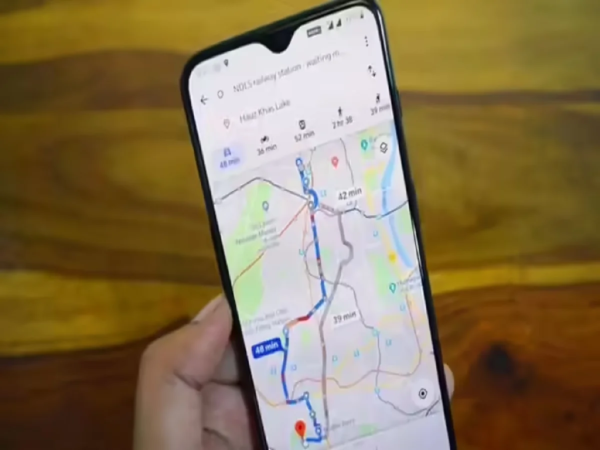
In today’s busy life, arriving on time has become very important. Whether going to office, catching a flight or reaching a special meeting – traffic often becomes the biggest problem. Google Maps provides a solution to this problem through its special feature, through which users Best time to start traveling Can know.
Google Maps is not just a route-showing app. it Real-time and historical traffic data By analyzing the road conditions, it estimates what the road conditions will be like at a particular time.
Available in Google Maps “Set depart or arrive time” The option helps users decide when they should exit. This feature takes several things into account:
Based on this information the app estimates how long the journey will take.
Often people wonder whether it would be beneficial to leave 10–15 minutes earlier or not. Google Maps answers this question. It shows how journey times change by leaving at different times.
This feature gives Google Maps a Complete travel planning tool Makes it.
The steps are almost the same for both Android and iPhone users:
step 1:
in your phone Google Maps ऐप Open.
Step 2:
in the search bar Destination Enter.
Step 3:
Directions Tap on.
Step 4:
Choose your mode of travel—car, public transport, foot or bicycle.
Step 5:
given at top right three dots Tap on.
Step 6:
“Set depart or arrive time” Select.
Step 7:
Set the time and date you want.
After this Google Maps will show you the traffic and travel estimate according to that time.
Google Maps uses data from millions of users. It recognizes that:
Apart from this the app also takes into account:
This makes the estimation more accurate.
By leaving at the right time, time, fuel and stress can be saved.
The “Leave at the Right Time” feature of Google Maps is very useful in today’s traffic-filled times. It helps users make better decisions based on data. Be it a daily commute or a special trip, this feature helps you stay ahead of the traffic and reach on time.