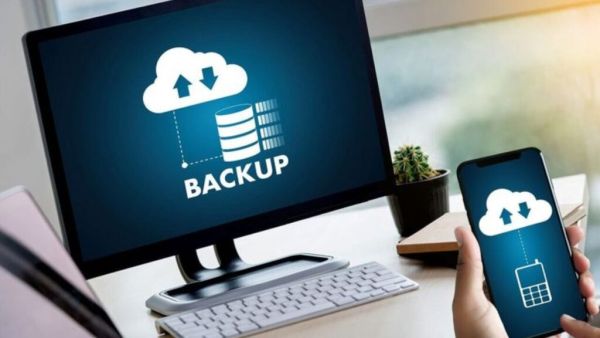
In today’s digital age, we keep our photos, videos and important files safely stored in our smartphones. These files stored in mobile or laptop are very important for you. But have you ever thought that if the entire data in your laptop and phone suddenly disappears”color: #3366ff;”> Photography will be double the fun! Know the entry, price and features of Vivo X300 Ultra with a whopping 200MP camera
Losing digital data is not only a technical problem, but it can also cause many professional losses. If you don’t take a backup, your important projects, your memories, everything can be gone in one fell swoop. Drive failure, virus attack, ransomware and accidental deletion of files can also cause such problems. Always start data backup from the main device. Disk Utility is already available for Mac users. Linux users can use Smart Control. However, there is no guarantee that these tools will always keep your system safe. This is why it is very important to back up your important files. (Photo Courtesy – Pinterest)
You can buy an external hard drive if you want to start making backups. In this you can save a copy of your important data. Brands like Seagate and Western Digital make very good and durable storage devices. But it won’t work if you only buy hard drives. But taking daily backup is equally important. Always try to buy a hard drive with two to three times the storage capacity of your computer. This will help you avoid future storage shortages and save old data easily.
It often happens that you forget to take regular backups. The solution to this problem is an automatic backup system. Time Machine is the best tool for Mac users. With the help of which daily backup can be taken. Options like Windows Backup and File History are available for Windows users. With the help of third-party software, you can easily complete these tasks. The biggest advantage of automatic backup is that you don’t have to remember it again and again and your data stays safe forever.
Upcoming Smartphones: Explosion in the month of April! With the Vivo T5 Pro, these rugged smartphones will have the following features
There is no need to depend only on local backup i.e. hard drive. If your device is stolen, caught in a fire, or in a natural disaster, your local backup can also be lost. In such a situation, the cloud backup that you store will be beneficial for you. Platforms like Blackblaze store your data on secure servers over the Internet. Options like Google Drive, iCloud will also be available.