PC: maharashtratimes
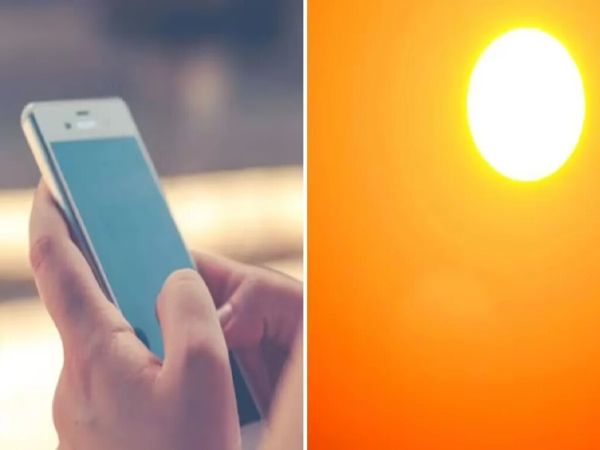
In summer, many users face problems like phone suddenly hanging or battery draining quickly. The main reason for this is too much heat in the environment, which prevents the internal systems of the phone from working properly. To save your mobile from this problem, it is important to follow some easy tips, so that accidents and major losses can be avoided.
India is experiencing record breaking heat and it is about to get worse. At many places the temperature is reaching close to 45 degrees Celsius. It is important to protect yourself from heat waves, but it is equally important to protect your smartphone from the heat.
These days, with many people buying expensive phones, heat waves in India can damage the device, and if this happens, the repair can be costly. To protect your smartphone this summer, it is important to follow some important tips.
Damage caused by increasing heat
Rising temperatures can increase the risk of overheating and damage. Talking about the disadvantages, increased heat can damage the phone’s battery, reduce the performance of the processor and can also damage the internal hardware (parts).
What to do and what not to do?
According to Telecom Talk, users are advised not to leave the phone in direct sunlight, especially on the dashboard, bench or other hot spots in the car. Thick phone cases can generate excess heat, so the cover should be removed if the device becomes too hot, especially during charging. If the phone gets too hot
How to protect your smartphone from heat?
Never leave your phone in direct sunlight: If you leave your phone on a park bench or on the dashboard of your car and it’s in direct sunlight, it’s not a good idea. This is damaging your phone, keep it in shade and avoid direct sunlight. This is important for any tech product.
If you’re outside and can’t find shade, reduce your phone use.
Avoid thick cases: If you keep your phone in the sun in a thick case, it will trap the heat inside. This will keep your device warm for a longer period of time, so remove the device from any thick cases or covers immediately.
What to do if the phone overheats?
First of all, turn off the phone. Remove it from the case (if it’s inside the case)
Close all app activity running in the background and remove apps from RAM.
Stop any downloads and turn off the Wi-Fi connection for a few minutes.
Place the phone under a fan and let it cool down on its own.