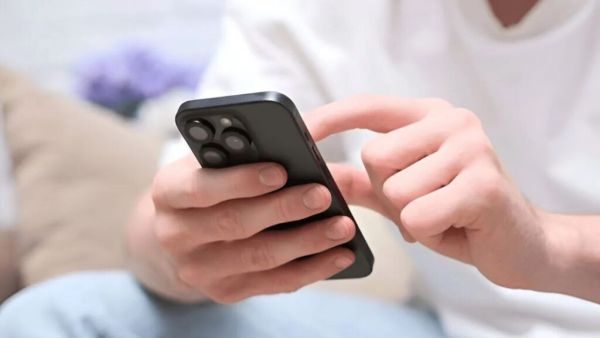
smartphoneIt has many features that are often overlooked. In the current advance smartphones, the company offers many such powerful features to make the user experience better. These features make the experience of using the smartphone better. Now we are going to tell you about one such feature.
One phone but many problems! Due to the foldable phone, the tension of the users has increased… they have to face these problems continuously
You may know that when you double tap on your smartphone, the phone screen can turn on or off. But do you know about a feature where you can lock your smartphone just by speaking without even touching the phone. For this you have to follow some simple process especially this feature is available for both Android and iPhone users. (Photo Courtesy – Pinterest)
After turning on this feature, you can lock the device without even touching the screen of your smartphone with the help of voice commands. Note that the name of the setting may be slightly different in Android phones from different companies.
If you are an iPhone user, you can easily setup this feature in your phone. For this you just have to follow the steps given below.
Say the lock screen phrase three times in a row so that the iPhone can recognize your voice very well. Once these setups are complete, the feature will be activated in your phone.
Think your hands are dirty or you have stuff in your hand and you are very busy with work. At such times if your phone is unlocked and you are afraid that someone can come and check your phone, this time locking the screen by just saying lock without touching the phone can be very beneficial. This feature not only protects the user but also saves their time.
Launch of E-Passport with chip in India! How will the security of citizens increase? Follow the simple steps to apply
Be it iPhone or Android there are some important things you need to keep in mind while using the feature. Like phone language and your voice command should be same. Apart from this, this feature works very well in places with less clutter and quiet. Therefore, this feature should be used sparingly in places where there is a lot of noise. Also, while setting up this feature, it is necessary to complete the setup process by speaking very clearly and loudly. Also, for security, make sure to set PIN password and biometric lock in screen lock.