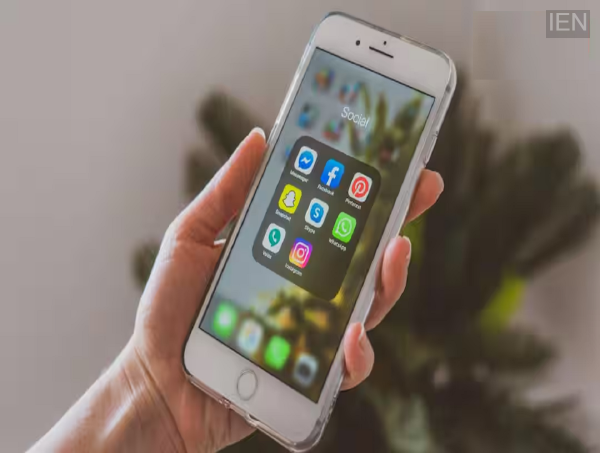
Smartphone Tips: If you suspect an app is recording your screen, check your phone's permissions, Privacy Dashboard, and Accessibility settings, and stay wary of unknown apps.
Smartphone Tips: Smartphones have become an integral part of our daily lives. From banking and chatting to online shopping, many essential tasks are performed on the phone. Consequently, if an app records your screen without your knowledge, your personal information could be at risk. However, both Android and iPhone require permission for screen recording; if you have granted this permission to an app, it is important to review it periodically. Let’s find out how to check if an app is recording your screen.
Keep a close eye on unfamiliar permissions.
Granting excessive permissions to any app installed on your phone can increase the risk. If an app requests permission for screen recording or screen capture, first understand why it needs it. Avoid granting permissions to unknown or suspicious apps.
The Privacy Dashboard can provide a crucial clue.
If you are using Android 12 or a later version, you can visit the Privacy Dashboard to see which apps are accessing the camera, microphone, and other sensitive permissions. If you notice unusual activity from an unknown app, investigate it and revoke the permission if necessary.
Be sure to check Accessibility Service settings.
Some apps may misuse the Accessibility Service to access information displayed on your screen. Check your phone settings to see which apps have been granted this permission. If you see an unknown app listed here, immediately deny or revoke its permission.
Stay alert for signs of screen recording.
Many smartphones display an icon or notification in the status bar when screen recording begins. If you haven't started recording but see such an indicator, you need to identify which app is active. In such cases, also review any recently installed apps.
Follow these simple steps to secure your phone
Always download apps only from authorized app stores. Periodically check app permissions and uninstall apps you do not use. It is also important to keep your phone's software updated, as new updates often include security improvements.
iPhone users should immediately try this secret trick
Go to Settings > Privacy & Security on your device. Immediately disable camera and microphone access for any apps that do not require it.