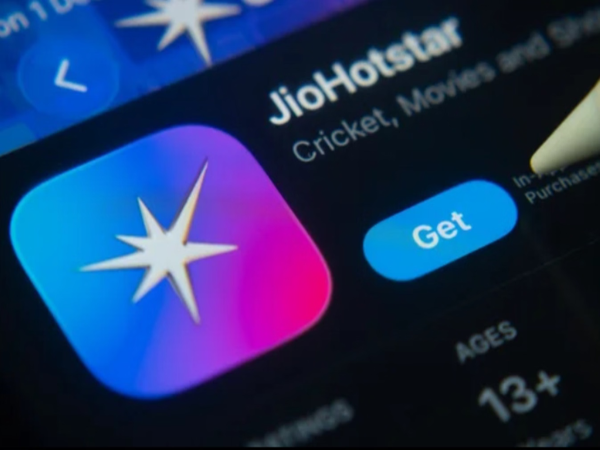
JioHotstar Premium: If you frequently purchase expensive subscription plans for OTT channels, that is no longer necessary. JioHotstar is offering its premium subscription to select users for just one rupee for a full month. With this deal, users can enjoy high-quality premium content without incurring a significant cost. So, are you eligible for this subscription plan? Find out in this report...
Which users can avail of this offer?
The company has set certain conditions to avail of this special promotional offer:
Jio Number Mandatory: Users must have an active Jio mobile number to log in.
No Active Plan: Your Jio number must not already be linked to an existing JioHotstar subscription.
Validity: This promotional subscription plan will remain valid for approximately 30 days from the date of activation.
One-time Opportunity: This offer can be claimed only once per user or account.
Screen Limit: With this ₹1 premium plan, you can stream on two devices simultaneously (such as a smartphone, laptop, or smart TV).
How to avail of this fantastic offer?
If you would like to give it a try, you can do so by following these simple steps:
Log In: Open the JioHotstar app on your smartphone and sign in using your active Jio number.
Profile Section: Click on the 'My Space' or 'Profile' icon within the app.
Subscription Tab: Navigate to the subscription section.
Select Plan: If the ₹1 premium plan option appears on your account, tap on it.
Complete Payment: Pay the one rupee using UPI, a debit or credit card, or a supported digital wallet. Your premium access will start immediately upon successful payment. You might also find the offer via Incognito Mode.
Some users have reported accessing this offer by opening the JioHotstar promotional page in an Incognito browser window and logging in with their Jio number. However, this method will only work if your account is already eligible for the promotion.
A crucial step to take before making the payment
Keep this important point in mind when availing of this promotional offer:
Be sure to check the auto-renewal settings either during or after completing the payment.
If this option remains enabled, the full amount for the regular paid plan will be automatically deducted from your account as soon as the one-month (30-day) period ends.
Advice on disabling auto-pay: If you do not wish to continue the service at the higher price and only want to avail of the one-month offer, turn off 'Auto-Renewal' immediately after starting the subscription or before it expires.
Disclaimer: This content has been sourced and edited from Amar Ujala. While we have made modifications for clarity and presentation, the original content belongs to its respective authors and website. We do not claim ownership of the content.