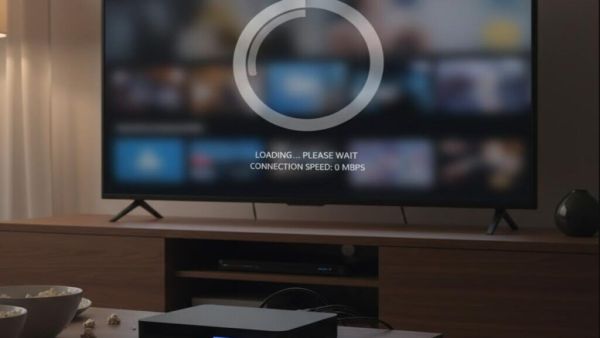
Technology Desk, Smart TV Internet Connection : If the video stops repeatedly while watching a movie, web series or live match on your smart TV, it is not necessarily that the internet plan is bad. Many times the problem lies in the way the Internet is delivered to the TV. Most people connect the TV only through Wi-Fi, while many smart TVs also provide an Ethernet (LAN) port. Using it in the right situation can greatly improve the video streaming experience.
Ethernet is a method in which the TV is directly connected to the router through a LAN cable. In this, the Internet is reached through cable instead of wireless signal. This makes the network more stable and the possibility of signal weakening also reduces.
If cabling between your TV and router is possible, this method is considered more reliable than Wi-Fi.
The biggest advantage of Wi-Fi is that it does not require any wire. But it also has a limit. If the router is too far from the TV, there are thick walls in between or multiple mobiles, laptops and other devices are using the same Wi-Fi simultaneously, then the speed and stability of the Internet may be affected.
In such a situation, problems like buffering, lag or video stopping may occur while playing high quality video.
In an Ethernet connection, the Internet reaches the TV directly through a cable. This reduces the chances of speed being affected due to signal weakness, network fluctuations or other devices.
Ethernet delivers more stable performance, especially when playing 4K video, HDR content, online gaming, or streaming video for long periods of time. This keeps the video quality better and reduces the possibility of interruptions.
Router and TV are not in the same room in every house. In such a situation, laying LAN cable is not easy. If you are using Wi-Fi only, you can get better performance by adopting some easy measures.
Try to keep the distance between the router and the TV short. If your router supports the 5GHz Wi-Fi band, connect the TV to the same network. If needed, network coverage in the home can be increased by using a Wi-Fi extender or mesh system. Additionally, disconnecting unnecessary devices from Wi-Fi can also provide better speeds when watching 4K content on a TV.
If your home setup is such that the TV can be connected directly to the router with a LAN cable, then Ethernet is a better option. This provides a more stable internet connection and can reduce buffering problems to a great extent.
However, if cabling is not possible, a good streaming experience can be had on a smart TV with a strong Wi-Fi network, 5GHz band and correct router placement. Choosing the right internet connection not only ensures smooth video playback but also enables better use of the TV’s potential.