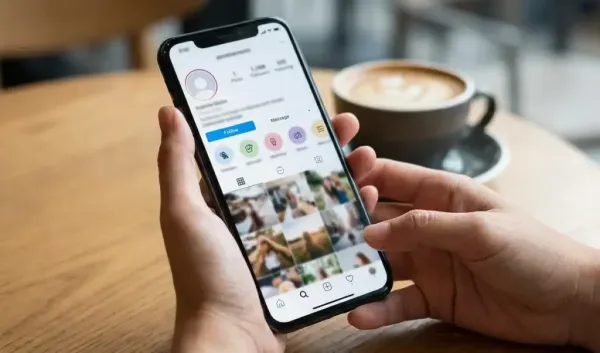
Nowadays, Instagram isn’t just used for entertainment or photo and video sharing, but it’s also become an important platform for businesses, creators, and professionals to showcase their portfolios. For this reason, many users add links to their websites, YouTube channels, online stores, and other social media accounts to their Instagram bios.
Now, Instagram users can add not just one, but five external links to their profiles, with no third-party apps required.
– First, open the Instagram app and tap your profile photo in the bottom right.
– Go to the profile page and select ‘Edit Profile’ option.
– Then tap on the ‘Links’ section and select the ‘Add External Link’ option.
– Paste the URL of the website or platform whose link you want to add.
– If you want, you can also write a title for the link, so that its identity becomes clear on the profile.
– Next, save the link by tapping ‘Done’ or the checkmark.
– Repeat this process if you want to add more links. Up to five links can be added to an Instagram profile.
If you want your website or the most important links to appear at the top, you can change the order.
– First, go to Profile and tap on ‘Edit Profile’.
– Now select the ‘Links’ option.
– Tap the three-dot menu at the top right.
– Then select the ‘Reorder Links’ option.
– Press and hold the handle next to the link you want to raise or lower.
– Next, drag the link to your desired location and save it.