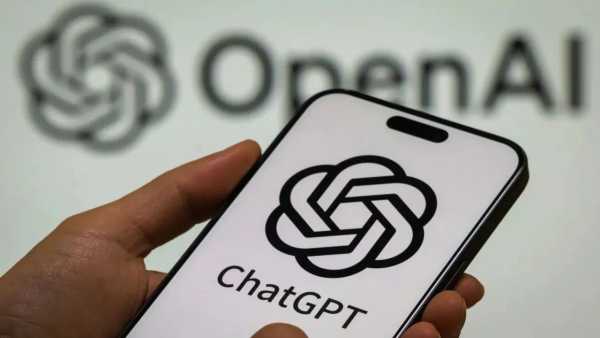
ChatGPT Account Delete Step by Step Guide: In today's era, AI tools like ChatGPT have become a part of our everyday life. The work has definitely become easier, but excessive use can affect the habit of thinking and learning. Many people now want to distance themselves from ChatGPT for digital detox. In such a situation, if you want to delete your ChatGPT account for the security of your data, then this news is for you. Here we are telling you how to delete your ChatGPT account from PC and smartphone.
If you want to remove ChatGPT from laptop or computer, then first you have to open ChatGPT in any browser and log in. After this, you will have to click on your profile in the bottom left corner and go to Settings. There in the Account section you will get the option of Delete Account. As soon as you click on this, the process of account deletion starts and your entire profile is sent for deletion.
To delete ChatGPT account from mobile, you have to open the app and go to the menu given in the top left corner. After tapping on the profile there, Settings will open. On scrolling down, you will find the option of Data Controls, inside which there is a button of Delete OpenAI Account. As soon as you tap on it, the process of deleting your account forever will start.
Open the ChatGPT website and log in to your account.
After deleting ChatGPT account this process cannot be reversed. Your email, phone number, and data associated with all OpenAI apps will be completely deleted. If you have a subscription taken from Google Play or any other platform, it will have to be canceled separately. After the account is deleted, all your data is also removed from the server in about 30 days and then you will not be able to create a new account with the same email.